Teaching AI Agents to Write RTL-Safe CSS
The ESLint plugin catches mistakes after they're written. But what if the thing writing the code already knew the rules?
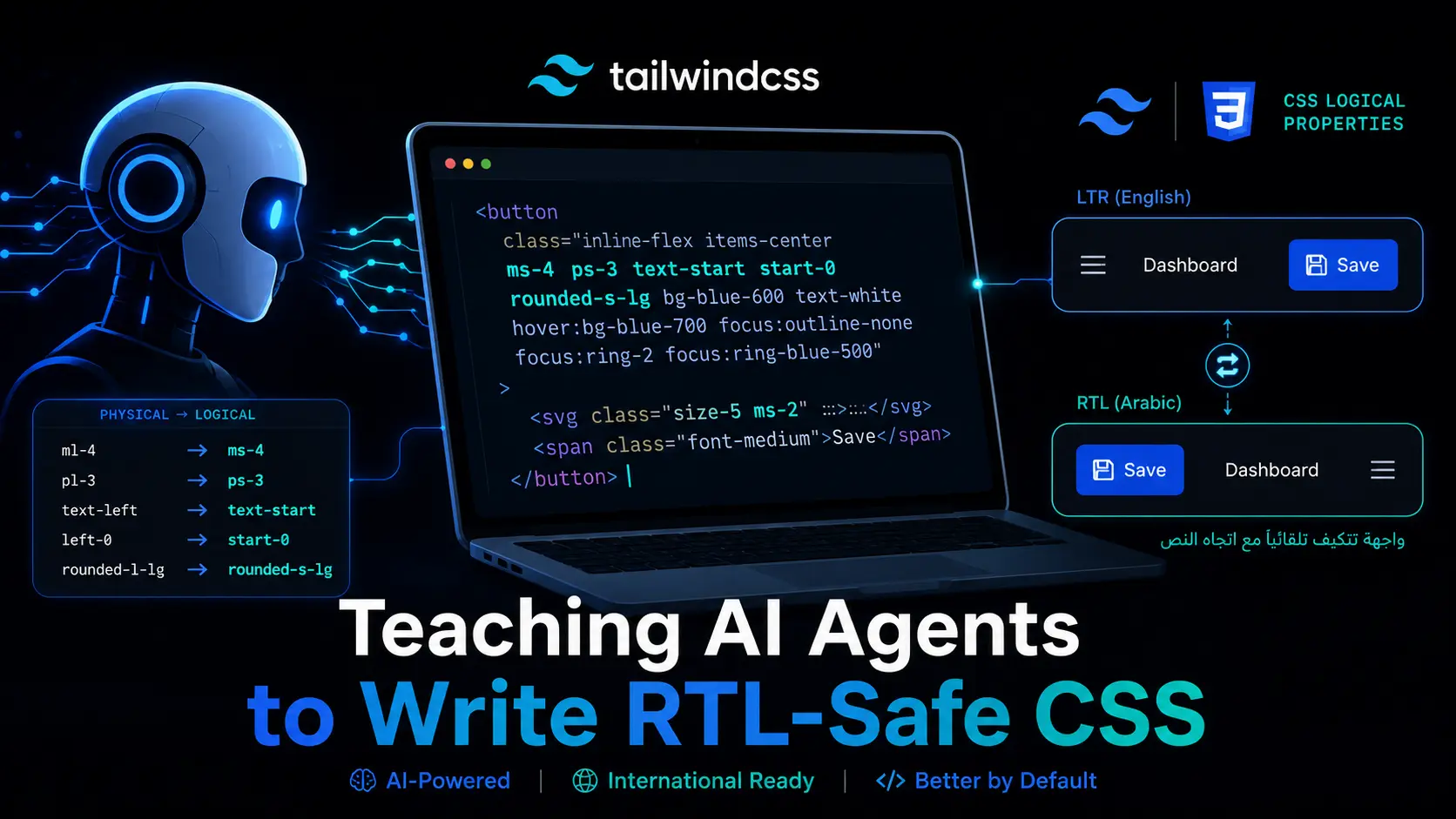
Most AI coding tools (Claude, Cursor, OpenCode, Copilot) default to physical direction classes because that's what 99% of tutorials show. ml-4. text-left. left-0. They work in English and break in Arabic.
The fix isn't better prompting at generation time. It's giving the agent a single, non-negotiable rule and the mapping to follow it.
The One Rule
Always use CSS logical properties and RTL-safe Tailwind classes. Never use physical direction properties (left, right, margin-left, margin-right) unless the positioning is intentionally physical and should NOT mirror.
That's it. One rule. Everything else is a lookup table.
Tailwind Mapping
| Never use | Always use | Why |
|---|---|---|
ml-* | ms-* | margin-left → margin-inline-start |
mr-* | me-* | margin-right → margin-inline-end |
pl-* | ps-* | padding-left → padding-inline-start |
pr-* | pe-* | padding-right → padding-inline-end |
left-* | start-* | left positioning |
right-* | end-* | right positioning |
text-left | text-start | text alignment |
text-right | text-end | text alignment |
border-l-* | border-s-* | border start |
border-r-* | border-e-* | border end |
rounded-l-* | rounded-s-* | border-radius start |
rounded-r-* | rounded-e-* | border-radius end |
<!-- Bad -->
<div class="ml-4 mr-2 pl-3 pr-1 text-left rounded-l-lg border-l-2">
  <!-- Good -->
  <div class="ms-4 me-2 ps-3 pe-1 text-start rounded-s-lg border-s-2"></div>
</div>
CSS & CSS-in-JS Mapping
| Physical | Logical |
|---|---|
marginLeft | marginInlineStart |
marginRight | marginInlineEnd |
paddingLeft | paddingInlineStart |
paddingRight | paddingInlineEnd |
borderLeft | borderInlineStart |
borderRight | borderInlineEnd |
left | insetInlineStart |
right | insetInlineEnd |
textAlign: "left" | textAlign: "start" |
float: "left" | float: "inline-start" |
The dir Attribute
Always set dir and lang on <html>, not via CSS direction alone:
<html dir="rtl" lang="ar"></html>
<!-- OR -->
<html dir="ltr" lang="en"></html>
Use dir="auto" on user-generated content where language is unknown. For mixed-content elements, set dir on the element.
Flexbox & Grid Auto-Flip
Flexbox and CSS Grid automatically respect the writing mode. Items reorder when dir="rtl" is set. Never use flex-direction: row-reverse to "fix" RTL — it causes a double-flip.
The :dir() Pseudo-Class
Use :dir(rtl) for direction-based styling. It matches elements that inherit direction from ancestors (unlike [dir="rtl"]).
.element:dir(rtl) {
  /* RTL styles */
}
.element:dir(ltr) {
  /* LTR styles */
}
Bidirectional Isolation
<bdi>isolates user-generated content whose direction is unknown<bdo dir="ltr">forces LTR for phone numbers, credit cards, code
<p>Welcome back, <bdi>Ahmed</bdi>! Score: <bdi>۳۵۰</bdi></p>
<bdo dir="ltr">+1 (555) 123-4567</bdo>
When NOT to Flip
Never flip symmetrical icons (home, search, user, settings), media controls, data visualizations, images, code blocks, phone numbers, or math expressions. Force LTR when needed:
<span dir="ltr">+1 (555) 123-4567</span>
<code dir="ltr">console.log("hello");</code>
Bidirectional Icons
Flip these (they indicate direction): arrows, breadcrumb separators, send icon, undo/redo, sort indicators.
Don't flip these (universal/symmetrical): play/pause, search, menu, close, plus, checkmark, home, settings.
Arabic Typography Rules
letter-spacing: 0— spacing breaks connected letters- Use solid colors —
rgba()andopacitycause rendering artifacts - Underlines overlap dots — use
text-decoration-skip-ink: autoor box-shadow - Line height 1.6-1.8 (vs Latin 1.4-1.5)
- Never
word-break: break-allon Arabic - No abbreviations — letters must stay connected
- Provide min-width on buttons — Arabic translations vary in length
Component Patterns
Icon position flips. Form inputs (email/URL stay LTR, name/address RTL). Breadcrumbs auto-flip. Tables, tabs, cards, toasts, blockquotes, and toggle switches all need direction-aware treatment.
Testing RTL
- Toggle
dir="rtl"on<html>in DevTools - Test every component in both directions
- Check text overflow, alignment, icon orientation, scrollbar position, truncation
- Test with actual Arabic content — not mirrored Lorem Ipsum
The Companion Tool
The eslint-plugin-tailwind-rtl catches physical classes in CI. Use both: the skill teaches agents to write correctly the first time; the plugin catches anything that slips through.
How to Use This With AI Agents
Install the skill directly:
npx skills add AmmarCodes/rtl-web-development-skill
It contains the complete reference tables, component patterns, and Arabic typography rules. One rule, one lookup, zero RTL bugs.
If the thing writing your code already knows logical properties, you never have a mess to clean up.
GitHub: https://github.com/AmmarCodes/eslint-plugin-tailwind-rtl